Tonewinner AT-600 Processor Software Update Guide
Important Preparations
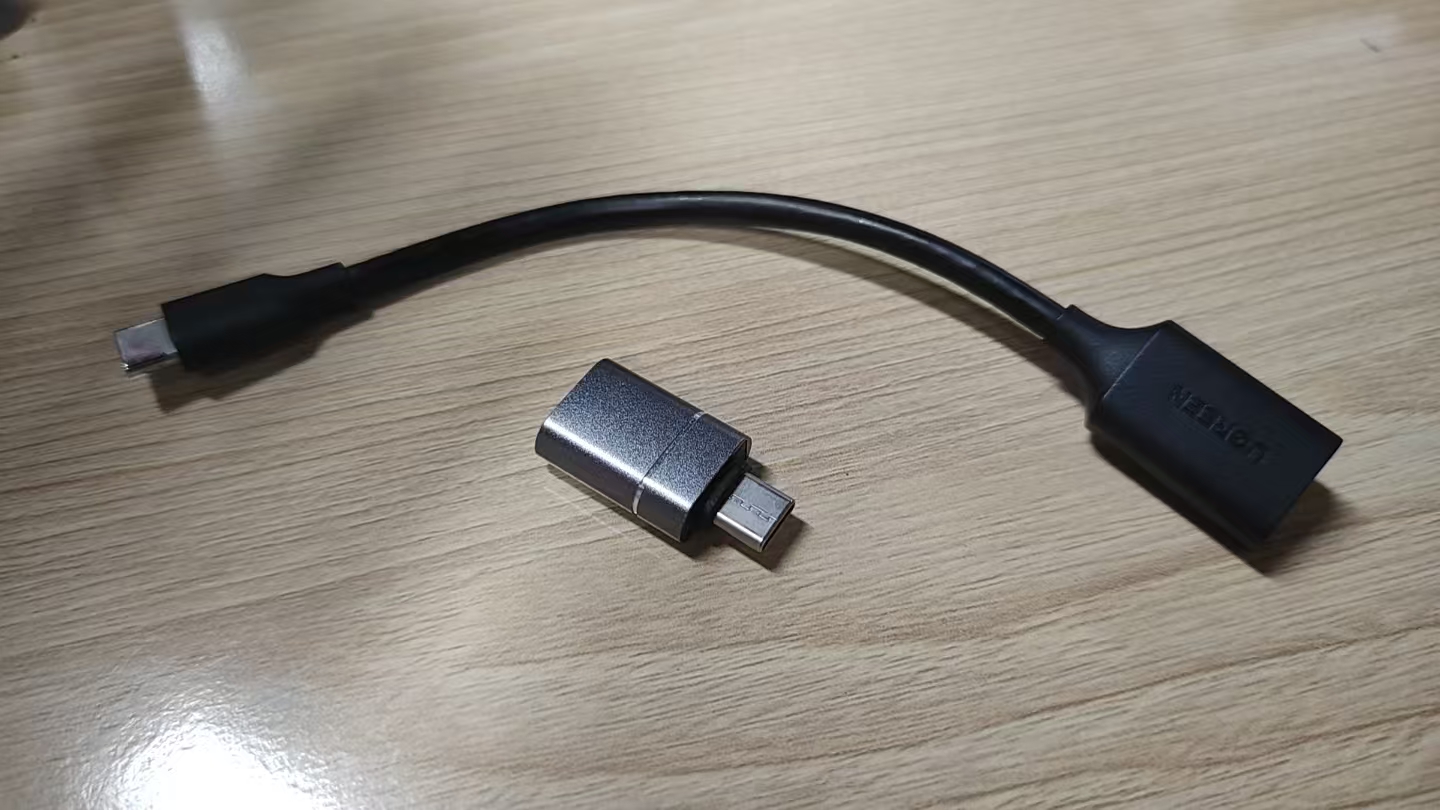
Before starting, please prepare the following:

Step 1: Dirac Firmware Update
1. Check Current Version
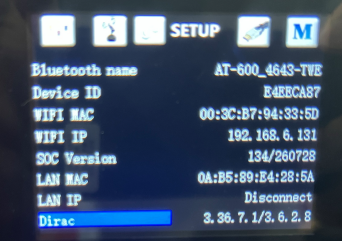
Navigate to the system information page and check your current **Dirac** version number. If it's 3.36.3.8 or 3.36.3.10, then follow below guide. If your device version is older than these, for example 3.36.3.7, please contact info@tonewinner.com for further guide.
2. Prepare the USB Drive
Extract the named **AT-600_Dirac_3.36.7.1** file directly to the **root directory** of your USB drive.
Note: The **AT-600** folder must be retained — do not delete or rename it.
3. Perform the Update
Connect the USB drive to the **Type-C port** on rear panel of the AT-600 (via the adapter).
Restart the AT-600. The update will run automatically.
4. Verify the Update
After restart, check the version information again. Confirm the version has been updated to:
Dirac:3.36.7.1/3.6.2.8
Step 2: DSP Firmware Update
1. Prepare the USB Drive
Download **.upg file (e.g., AT-600_v1_02_2273_20261010.upg) ** and copy them to the **root directory** of the USB drive.
2. Connect the USB Drive
Plug the USB flash drive into the **USB upgrade port** on the unit.
3. Start the Update
Turn on the unit — the firmware update will **start automatically**. Wait until the process completes.
Notes
Tel : +86 020 3479 6146
Tel : +86 020 3479 7660
WhatsApp : +86 15812388120
Email : simi@tonewinner.com
Address : Building 2, No.1, Hongsheng 3 Road Dashi Street, Panyu District Guangzhou, 511430 China
© 2026 Guangzhou Tonewinner Electronics Co., Ltd
Sitemap | XML | Privacy Policy |